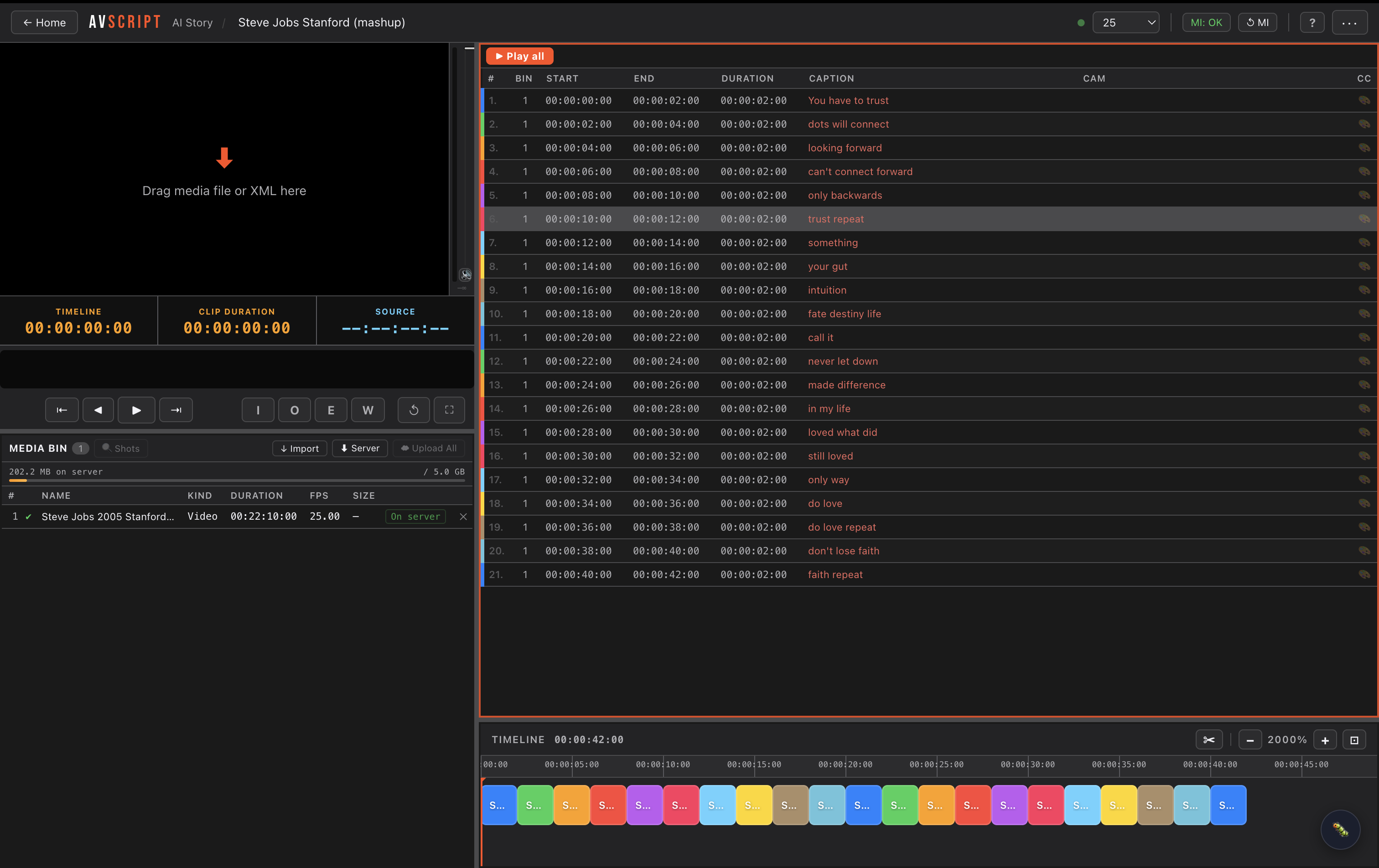
Watch how it works
Build your multicam edit in Final Cut Pro X, export as FCPXML, then drag it straight onto the AVScript player. Your edit loads into both timelines instantly — no re-importing, no re-syncing.
Transcription, emotion detection, visual analysis — then a live conversation with your footage. We asked Story AI to un-scramble our own promo and it nailed it. Full pipeline, transparent costs, one-time price.
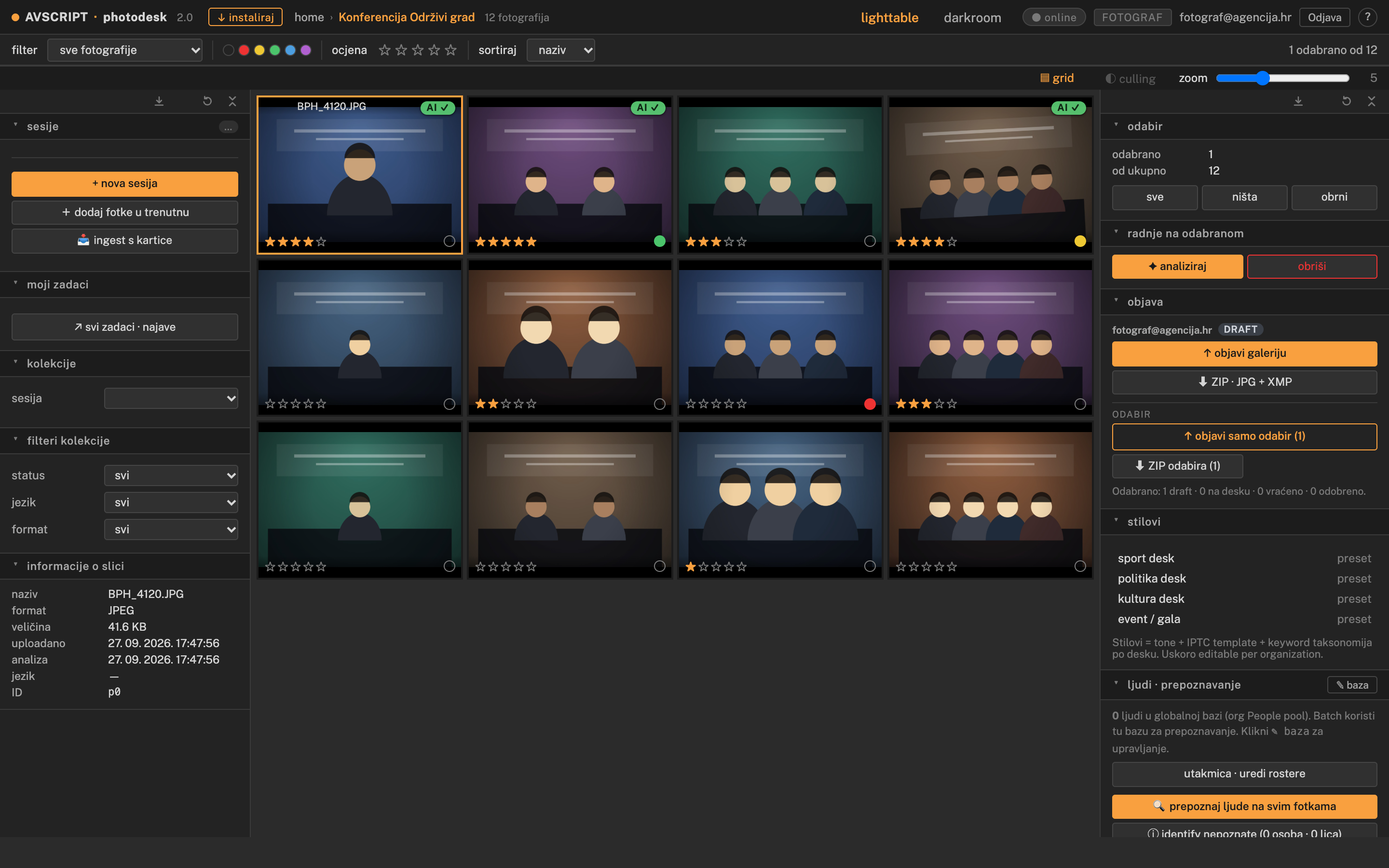
AVScript Photo
Featured
FCP Workflow Extension: Two-Way Sync Between Final Cut Pro and AVScript
The AVScript FCP Workflow Extension lives inside Final Cut Pro. Auto-detect your library, sync projects to AVScript, import AVScript edits back into FCP — all without leaving your NLE. A full walkthrough of the Sync FCP Edit feature.
Read article-
CoWork — Real-Time Video Collaboration Inside the Editor
Published date:Two editors, one project, no external tools. CoWork embeds a WebRTC video call directly into AVScript — with mouse sharing so you can point at footage, and Clip Sync so changes appear on both screens within 400 ms.
-
For the Editor in FCP: AI Metadata That Works With You, Not Instead of You
Published date:AVScript doesn't touch your timeline. It analyses your footage, enriches it with searchable metadata, and puts that intelligence into your FCP library — where you're already working. You stay in control. Your team stays out of your way.
-
AVScript — Getting Started: Step-by-Step Checklist
Published date:From importing your first clip to running Story AI — a complete hands-on walkthrough with checkboxes so you can track exactly where you are.
-
Story AI: From Raw Footage to Finished Edit — How It Actually Works
Published date:Pipeline processing, transcript chat, sandbox edits, project creation from a prompt. A full walkthrough of what Story AI does to your footage and what you can do with it once it's done.
-
Build Your Pipeline. Own Your Story.
Published date:You don't have to run every AI service on day one. Start with Transcribe, talk to your footage, and build your processing chain one link at a time — every result stays on the server forever.
-
AVScript Editor — Complete User Manual
Published date:Everything you need to know about the AVScript web editor: toolbar, media bin, filmstrip, timeline, clip list, color correction, audio, Data Sync (Google Drive backup), and all keyboard shortcuts.
-
Why We're Open-Sourcing AVScript Player
Published date:The idea started in 2003. The tool launched in 2019. Now, on our tenth anniversary, we're giving it back to the community.
Recent
[5/ 5]-
MetaFlow: AI Metadata Into Any NLE — FCP, Premiere, DaVinci
Updated date:MetaFlow exports your Story AI analysis into any professional NLE using its native format. Final Cut Pro gets FCPXML with captions and keywords. Premiere gets XMEML — File → Import, no Translation Report. DaVinci reads the same FCPXML. One dataset, three paths.
-
For the Editor in Premiere: AI Metadata via Native XMEML — No Translation Report
Published date:AVScript speaks Premiere's language natively. Your sequence arrives as FCP7 XMEML — File → Import, no XML bridge, no Translation Report. Transcripts land on V2. Descriptions appear in your project bin. Your timeline stays yours.
-
Audio Controls — Per-Clip Volume, Fades, Channel Routing and Auto-Duck
Published date:Every clip in AVScript has its own audio panel: volume, mute, peak meter, fade in/out, channel routing, Auto-Duck from Whisper transcripts, and Normalize All. Everything exports to FCPXML as native Final Cut Pro audio metadata.
-
Motion Graphics Generator — Titles, Lower Thirds and Countdowns Inside the Editor
Published date:Create broadcast-ready lower thirds, title cards, countdowns and credit rolls without leaving AVScript. No After Effects, no Motion, no round-trips — just pick a template, customise, preview, and drop it in the bin.
-
For Storytellers, Journalists, and Directors: Your Footage Already Has a Structure
Published date:You watch hours of material looking for the five minutes that matter. AVScript transcribes, analyses, and tags every file — so you can search instead of scrub, build sequences without touching an NLE, and hand your editor something precise enough to actually use.